

v1.88.7
spider-rs/spiderv1.88.7Mar 26, 2024by j-mendez
AI Summary
This release adds multi-step browser automation capabilities driven by OpenAI to navigate towards specific goals, along with new configuration options for extra AI data.
Key Highlights
- Multi-step browser driving with OpenAI
- Added extra AI data for GPT curating
- Added credits used response to track usage
- Fixed page content return logic
- Fixed SVG removal in OpenAI processing
New Features
- Multi-step AI browser automation
- Extra AI data configuration
- OpenAI credits tracking
Full Release Notes
# Whats Changed
You can now drive the browser with multi steps towards a goal, [example](https://github.com/spider-rs/spider/blob/main/examples/openai_multi.rs). Extracting content or gathering extra data can be done as well using `GPTConfigs.extra_ai_data`.
The credits used can be checked with `Page.openai_credits_used`.
1. chore(page): return all page content regardless of status
1. chore(openai): fix svg removal
1. feat(openai): add extra data gpt curating
1. chore(openai): add credits used response
1. feat(fingerprint): add fingerprint id configuration
```rs
use spider::configuration::{GPTConfigs, WaitForIdleNetwork};
use spider::website::Website;
#[tokio::main]
async fn main() {
let gpt_config: GPTConfigs = GPTConfigs::new_multi(
"gpt-4-1106-preview",
vec![
"Search for Movies",
"Click on the first result movie result",
],
500,
);
let mut website: Website = Website::new("https://www.google.com")
.with_openai(Some(gpt_config))
.with_limit(1)
.build()
.unwrap();
website.crawl().await;
}
```
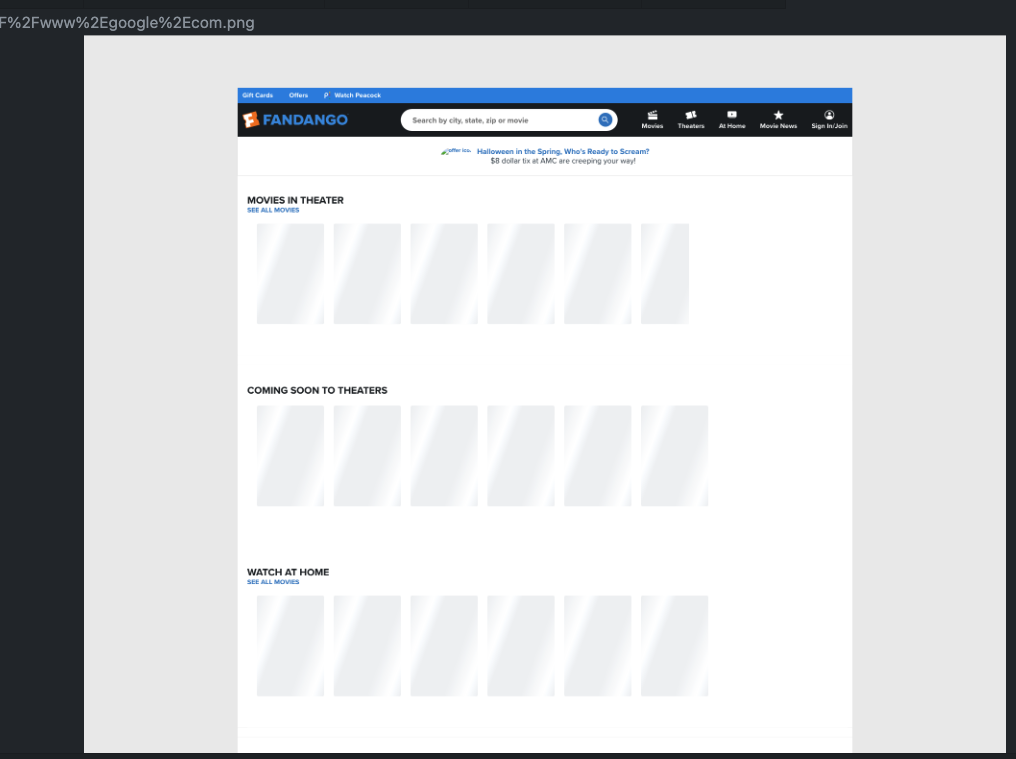
**Full Changelog**: https://github.com/spider-rs/spider/compare/v1.87.3...v1.88.7